
Documentation of completed work at every address
We run and document repeatable construction and installation work at a specific address: crew, photos, materials, equipment and hours.
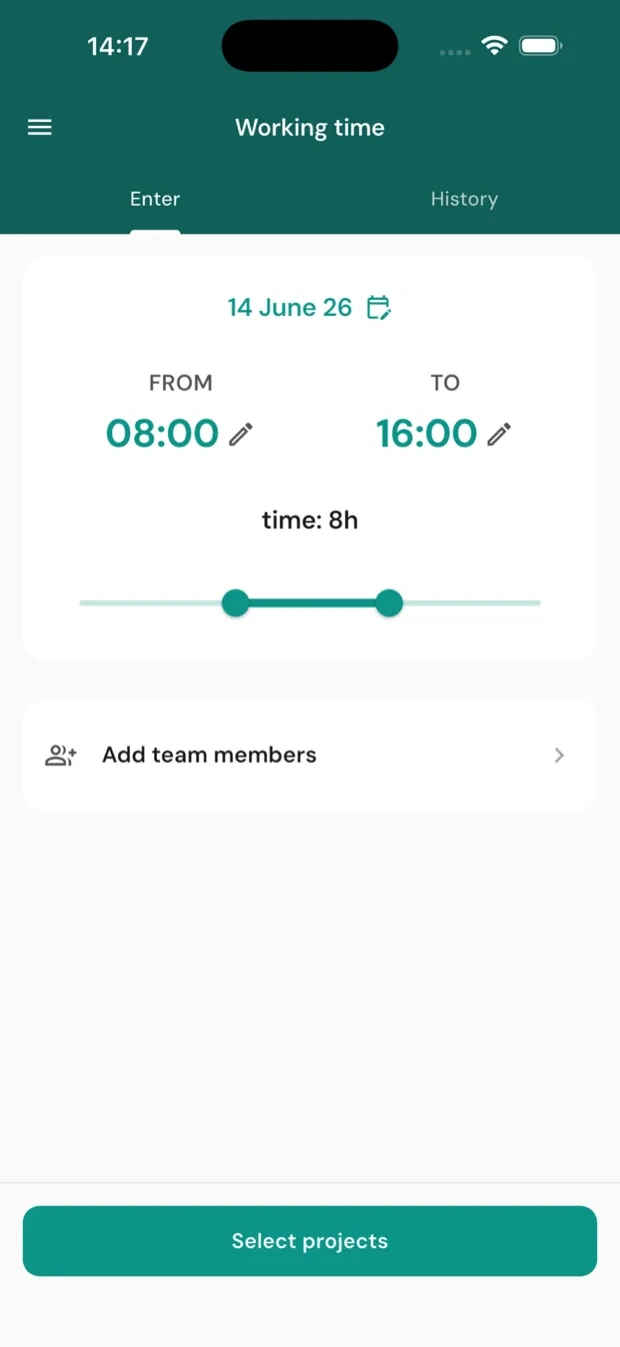
The crew app, for iOS and Android:
Instead of chaos in files, photos and reports
All documentation tied to the address
Tasks reach crews according to their schedule, required photos are taken following a checklist and linked to addresses, and hours to projects. Equipment with QR codes is assigned to people, materials are settled against warehouse stock, and the office gets ordered data ready for review or handover to the client.
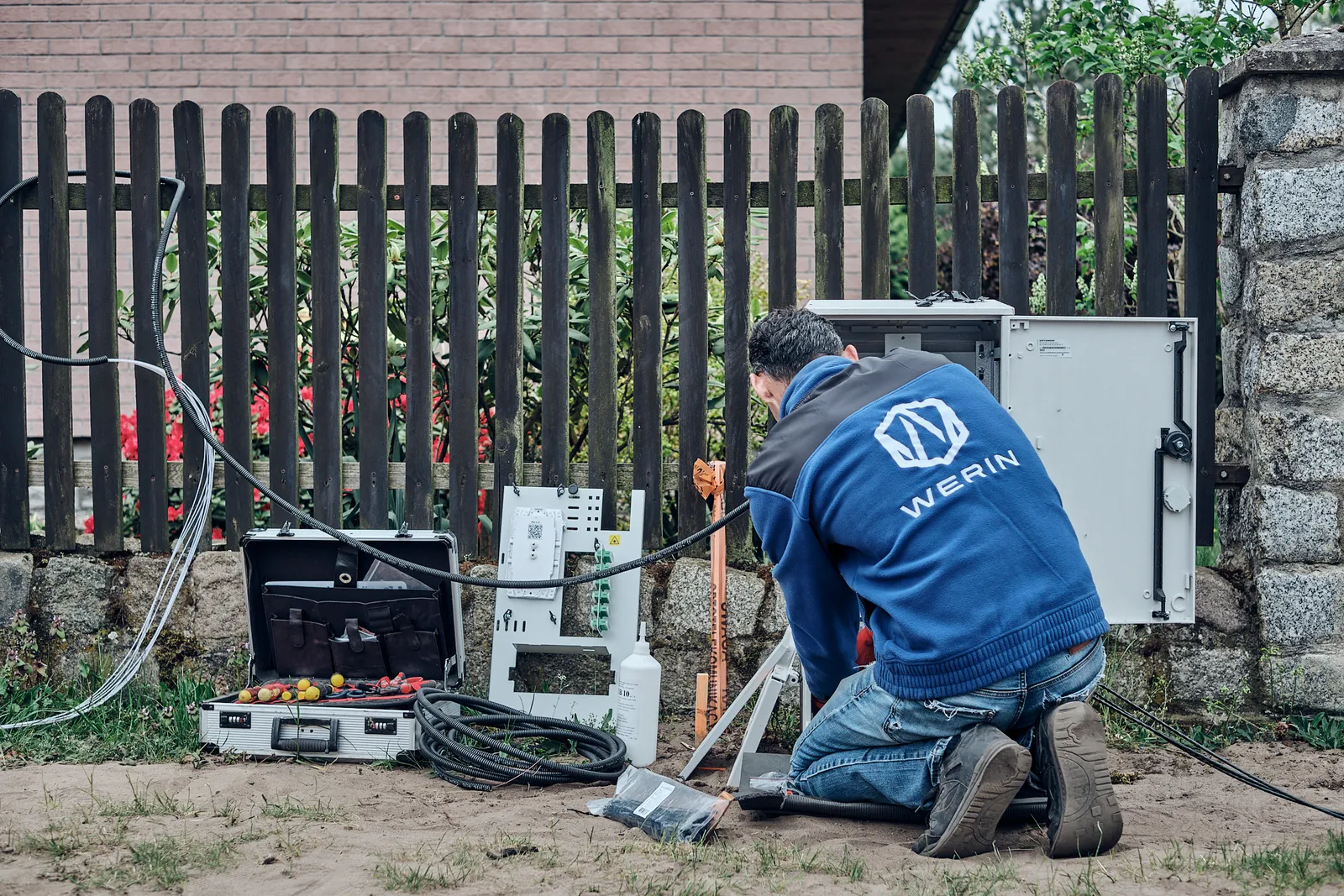
Tie the whole job together right on site
Crew time and expenses
One entry covers the whole crew instead of retyping hours in the evening. Workers confirm attendance with a card at the entrance to the depot. And when they buy something, they can photograph the receipt before it gets lost and assign the expense to a tool or a location — before accounting even sees it.
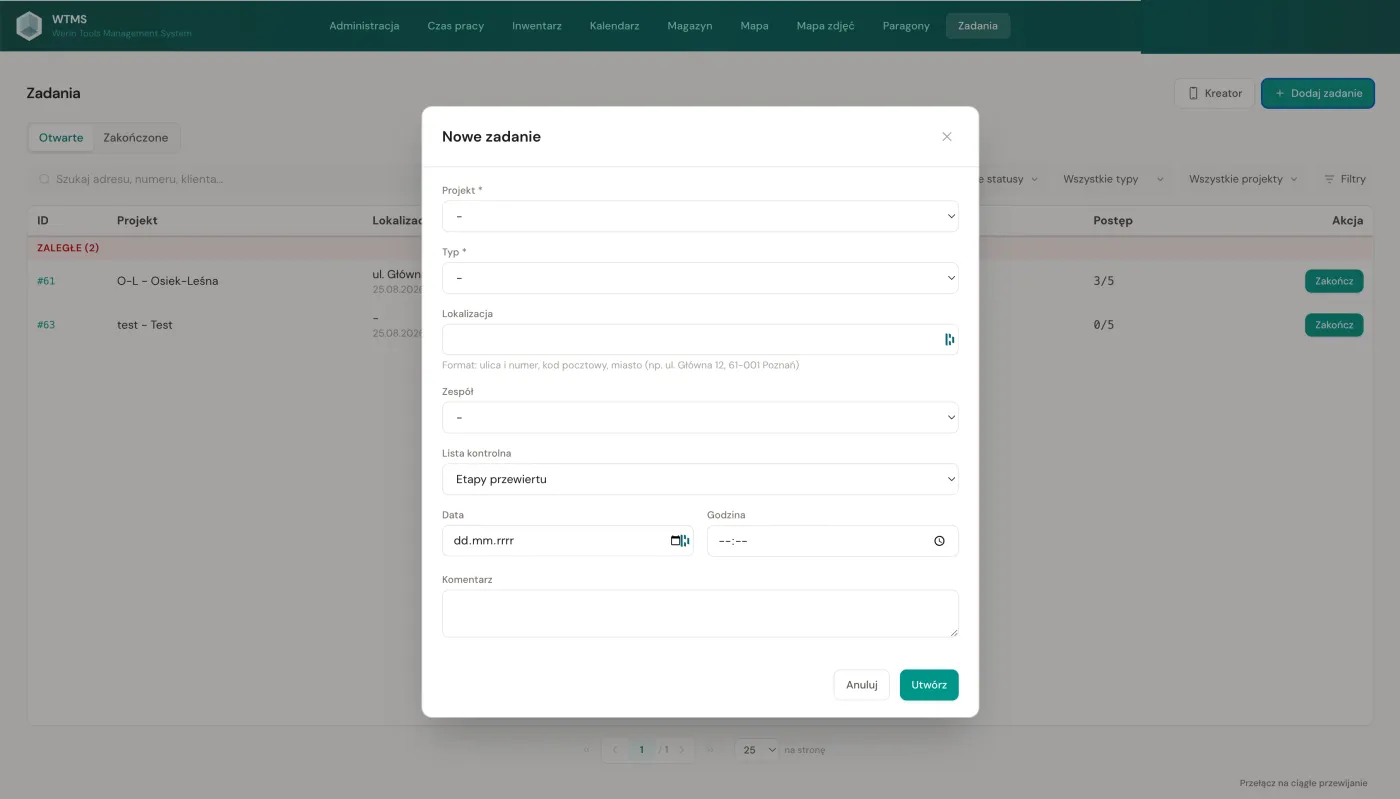
Jobs with photos
A checklist with photo categories and work progress. The worker sees right away what is missing, before the trench is backfilled or the cabinet is closed.
Photo map with GPS
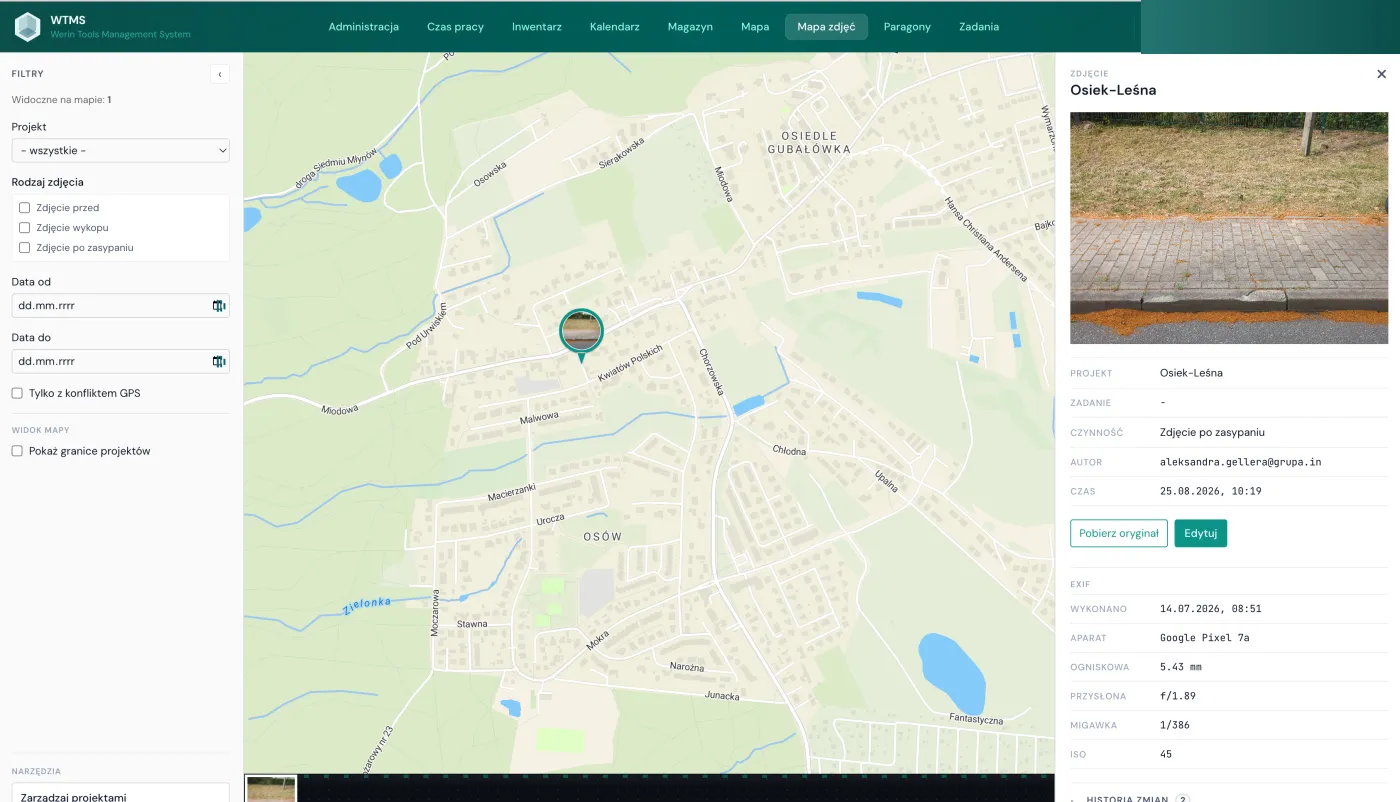
A photo is assigned to the project based on its GPS coordinates. Files are named after their position on the checklist, so you can work with them as folders of files or browse them on a map in a very fast web interface.
Equipment and materials
Checkout and return of equipment happens by scanning a QR code in the app. The history of operations and the condition of the tool stay in the system, not in the foreman's memory. Crews report materials issued the same way, and warehouse stock updates automatically. For convenience, workers can use a handheld scanner instead of a phone.
AI in WTMS
In internal testingReports in a conversation with an assistant
You ask an AI assistant in plain language about the work status or a crew's performance, and it compiles a report from WTMS data. The connection runs over Model Context Protocol (MCP), a standard that popular AI assistants plug into.
Automatic quality control
You write quality rules in plain sentences: what must and must not be in a photo, whether the installation matches the standard, whether the number on the installed device matches the one entered in the report. The system checks the photos from every task against those rules and flags what needs attention. The final call stays with a human.
Together, from €95 net per month
PricingSee the system in motion
From planning in the office and work on site to working time, tools and materials. All in one system.
A demo without a call
Try WTMS yourself before you talk to anyone
Signing up takes two minutes. You get an instance of your own for 7 days, with a sample company already at work in it. Whenever you like, you delete its data and try WTMS on your own.
- 1 Company name and e-mail
- 2 Code from the e-mail
- 3 Password and you are in
At the start
A company already full of data
- Jobs, addresses, crews and equipment are already in place
- The phone app shows the crews' work from the first sign-in
- It is your own copy, so you can change anything in it
Whenever you like
You start on your own data
- You delete the sample data with one button in the panel
- Accounts, roles and settings stay as they are
- The trial carries on, no need to sign up again
Where this system comes from
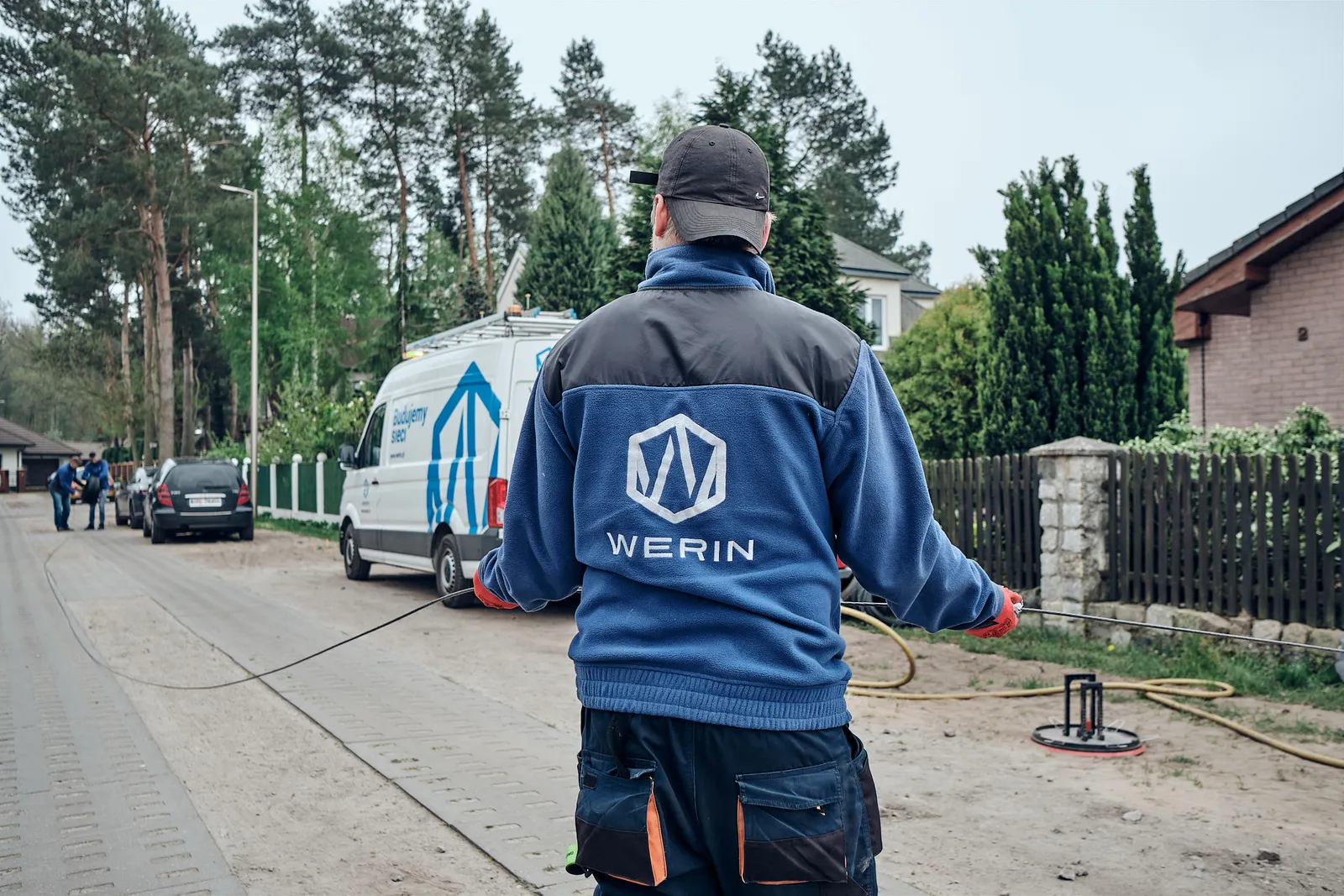
We have built fiber networks for twenty years. No ready tool matched how we work, so for two years we wrote our own, on a live construction site in Germany. We work on it every day.
The questions we hear most often
How is this different from a time clock app?
Clock apps are good at clocking hours. They do not know the worker stood at a specific address, they will not pin a photo to a connection point and they will not say who holds the hammer. If you only need hours, stay with them.
How much does it cost?
Packages start at 95 € net per month. The package depends on data space, not on the number of accounts. The price covers the whole system, with no parts sold separately. Amounts and limits are on the pricing page.
What if the site has no signal?
Photos are taken without signal and upload on their own when the phone is back in range. Working hours and progress need a connection and we do not hide that.
Can I see the photo map live?
Yes. In the free demo, take a few photos with the phone app and you will see them on the map in the panel, pinned to the spot where they were taken. On a call we also show the map on our own data, with thousands of photos from real construction sites.
Do you handle invoicing and KSeF?
No, and we will not build it. We account for the work: hours, photos and equipment, the data you invoice from. The invoice itself stays in your accounting.
Where does onboarding start?
With your address list. The files you get from the operator in FTU, TANIS and VAO formats go in on day one, with no column mapping and no separate onboarding project.
Where is our data?
In the European Union. Each organization works on its own subdomain and sees only its own projects.
Where do I find the detailed documentation?
The full user documentation is public: werin.wtms.app/docs. It covers the web panel and the app module by module, in Polish only. On a call we show the same things live.
Who is this not for?
For appliance service, single site work and companies that only need a time clock. We do not build dispatch desks, route optimization or API integrations before onboarding.
 WTMS on YouTube
Recordings of the system in practice.
Watch the recordings
. YouTube opens in a new tab
WTMS on YouTube
Recordings of the system in practice.
Watch the recordings
. YouTube opens in a new tab
You pick the slot yourself
We'll show you WTMS in 20 minutes
The call takes twenty minutes and we show live how the work looks on our data. You sign nothing and you install nothing.
- 1 You pick a slot The calendar shows free hours, picking one takes half a minute. Confirmation and the meeting link arrive by e-mail.
- 2 Twenty minutes online We show the panel and the app on our data: the photo map, time tracking, equipment. You ask about your own needs.
- 3 The decision is yours No contract, nothing to install, no calls from a salesperson.
Prefer to write? The form is below
Or write to us
Prefer to start with a message?
Tell us how we can help. Someone from our team will get back to you as soon as possible.
- A person replies, not a bot
- +48 91 886 18 38
- [email protected]